

Introduction
Apsalar, one of MoEngage’s Technology Partners, allows you to track install acquisition data to enhance your marketing automation campaigns on MoEngage.Scope
Use the Publisher Name and Campaign Name of install in MoEngage.Integration
Prerequisites
- Ensure you have an active Apsalar (Singular) account.
- Ensure you have access to the Settings section on your MoEngage dashboard.
Steps
To integrate Apsalar with MoEngage, follow the steps below.Step 1: Get the MoEngage attribution tracking app key
Log in to the MoEngage Dashboard and follow these steps:- Navigate to Settings > Analytics > Acquisition tracking.
- Turn on Acquisition Tracking, and select Apsalar from the dropdown. This generates an App Key.
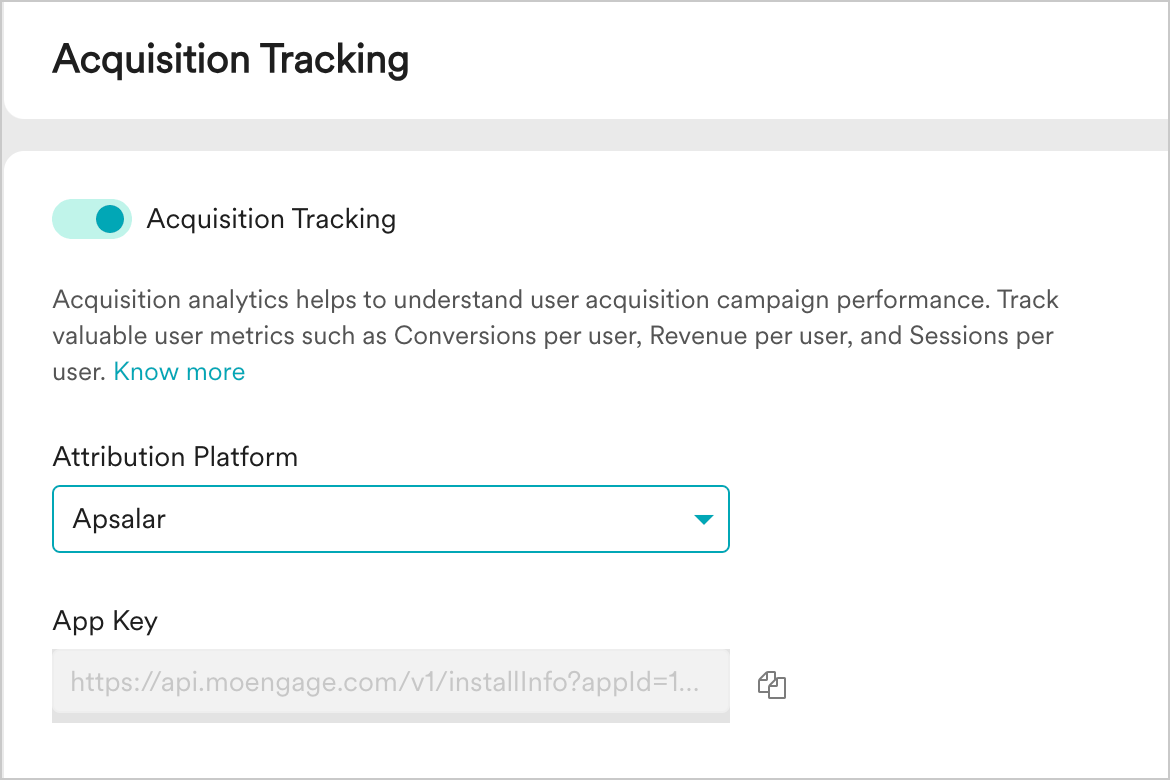
- Click Save.
- Copy the App Key. You will need it to configure MoEngage on Apsalar.